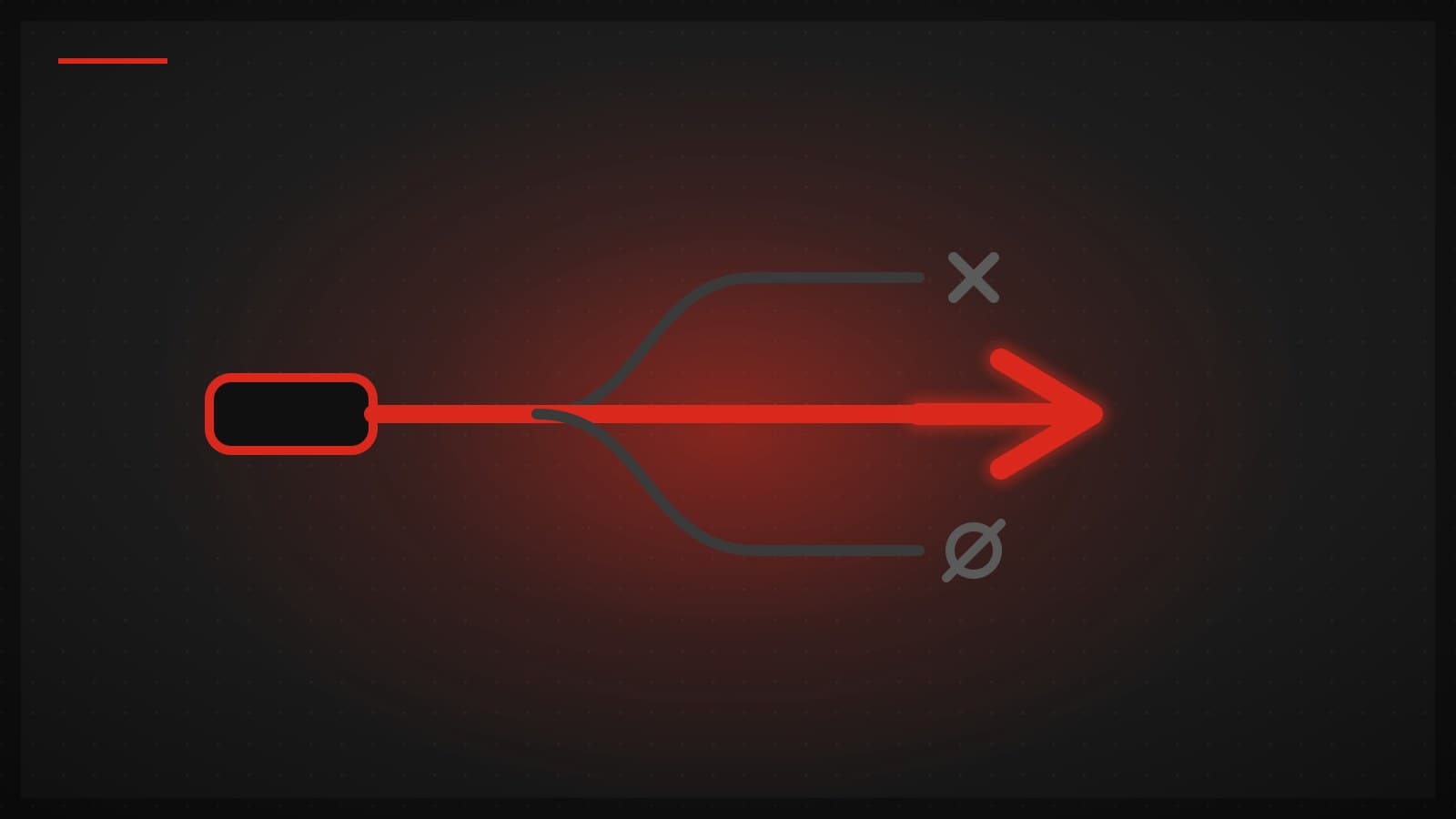
Most VPN apps are built around one protocol. That works fine until it doesn't: the protocol that is fastest on your home fiber is often the first one blocked on hotel Wi-Fi, and a protocol with more overhead is wasted on a clean one.
TUKTUKVPN runs three protocol families — WireGuard/AmneziaWG, Hysteria2, and VLESS+Reality — and the app picks between them based on what your network is actually doing. Here is what each one is for, and why we refuse to pick just one.
WireGuard: the fast default
WireGuard is the protocol we reach for when nothing is interfering with the connection. Its codebase is famously small — a few thousand lines, versus the hundreds of thousands in older VPN stacks — which means less to audit, less to break, and very little per-packet overhead. It uses modern cryptography (ChaCha20-Poly1305 for encryption, Curve25519 for key exchange), completes its handshake fast, and reconnects gracefully when you hop between Wi-Fi and mobile data. It has been part of the Linux kernel since 2020.
Its weakness is the flip side of its simplicity: WireGuard makes no attempt to hide itself. Its UDP handshake has a recognizable signature, and networks that filter VPNs can spot and drop it. The WireGuard project considers obfuscation out of scope by design. That is why we also run AmneziaWG, a WireGuard variant that reshapes those identifiable signatures while keeping the same cryptography underneath.
Hysteria2: built for bad networks
Hysteria2 is built on QUIC, the UDP-based transport that HTTP/3 runs on. That gives it two useful properties. First, its congestion control is designed to keep pushing data through links with packet loss and high latency — the kind of connection you get on crowded Wi-Fi, mobile data, or long international routes — where classic TCP-based tunnels slow to a crawl. Second, because it speaks QUIC, its traffic resembles ordinary HTTP/3.
In practice this is the protocol that keeps a connection usable when the network itself is the problem: lossy, congested, or far from the server.
VLESS+Reality: traffic that looks like ordinary HTTPS
Some networks don't just degrade VPN traffic — they actively hunt it with deep packet inspection (DPI). China's Great Firewall is the best-known example, but hotel networks, campus networks, and several national ISPs do lighter versions of the same thing.
Reality's trick is that it doesn't imitate a TLS connection to a real website — it effectively borrows one. A probe that reaches the server gets a genuine TLS handshake and certificate from a real, well-known site, and the tunnel's traffic looks like ordinary HTTPS. That describes the design; we have not measured VLESS+Reality on networks that hunt VPNs with DPI and make no claim about them. It costs more overhead than WireGuard, which is why it shouldn't be the default everywhere.
Why switching beats picking a winner
Notice the pattern: each protocol's strength is another's blind spot. WireGuard is lean but conspicuous. Hysteria2 shrugs off packet loss but is overkill on a clean line. Reality looks like ordinary HTTPS but carries more overhead. There is no single correct choice, because the correct choice depends on the network you're standing on right now — and that changes when you walk from your apartment to a coffee shop to an airport.
So the app makes the call. It tests the routes available from your network and switches protocols automatically: WireGuard-class speed when the path is clean, Hysteria2 when the link is lossy. No settings screen, no forum thread telling you which magic combination to try. If a protocol stops working mid-session, the app tries another.
One thing we deliberately don't do is publish self-measured speed comparisons between the protocols. Those numbers depend entirely on your ISP, your route, and the server you hit — a benchmark from our lab says nothing about your desk.
Test it on your own network

The honest way to evaluate protocol switching is on the networks you actually use. Every plan includes every protocol, with servers in Singapore, Tokyo, Los Angeles, Bangkok, and London. If it doesn't hold up on your worst network, that's what the 30-day money-back guarantee on your first purchase is for.